Hi, when I edit the config.txt file and add the command display_rotate=3 to the last line to display vertical content, the images are visible but not the videos. As soon as I load the asset with the vertical video, the Raspberry Pi goes black, then flickers white for 1 second, then goes back to black and finally displays the Anthias home screen again with the colored logo and IP address.
I past here my config.txt file…
# Uncomment some or all of these to enable the optional hardware interfaces

#dtparam=i2c_arm=on
#dtparam=i2s=on
#dtparam=spi=on

# Enable audio (loads snd_bcm2835)

dtparam=audio=on

# Additional overlays and parameters are documented

# /boot/firmware/overlays/README

# Automatically load overlays for detected cameras

camera_auto_detect=1

# Automatically load overlays for detected DSI displays

display_auto_detect=1

# Automatically load initramfs files, if found

auto_initramfs=1

# Enable DRM VC4 V3D driver

# dtoverlay=vc4-kms-v3d

max_framebuffers=2

# Don’t have the firmware create an initial video= setting in cmdline.txt.

# Use the kernel’s default instead.

disable_fw_kms_setup=1

# Run in 64-bit mode

arm_64bit=1

# Disable compensation for displays with overscan

disable_overscan=1

# Run as fast as firmware / board allows

arm_boost=1

[cm4]

# Enable host mode on the 2711 built-in XHCI USB controller.

# This line should be removed if the legacy DWC2 controller is required

# (e.g. for USB device mode) or if USB support is not required.

otg_mode=1

[cm5]
dtoverlay=dwc2,dr_mode=host

[all]
framebuffer_depth=32
framebuffer_ignore_alpha=1
gpu_mem_256=96
gpu_mem_512=128
gpu_mem_1024=196

display_rotate=3
[pi4]
If I don’t rotate the screen, the Raspberry displays 1920x1080 videos correctly. I have already try to able and disable the line “dtoverlay=vc4-kms-v3d”.
@nicomiguelino , Hi, I only use vertical videos 2 or 3 times a year but do you have any idea how I can make it work?
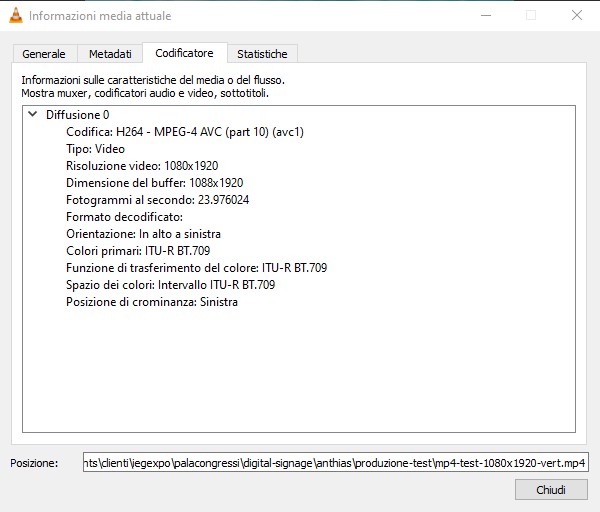
@caimano, are you using the desktop or the lite version of Raspberry Pi OS?
If you installed vlc on the host OS (not inside the Docker container), you could try running vlc /path/to/video/file.
I always install the Lite version.
I’ve only used VLC on another PC to view file metadata.
It’s not on the Raspberry Pi.

Hi! Did you find a solution for screen rotation?
Hi! Unfortunately, I don’t know what else to do right now. I was hoping for some advice from @nicomiguelino . Older versions supported it, so I hope it’s a temporary issue that can be fixed.
@caimano Thanks for your patience on this. This one hasn’t slipped through the cracks. I’ve just had limited bandwidth lately. I’ll revisit it as soon as possible and share an update once I’ve had the chance to look deeper.
Hi, I’m sending you an update.
I just tried the same configuration as the config.txt file I posted on a Raspberry Pi 4 (8GB) and I’m having the same problem.
Thanks, @caimano, I’ll take a note of this one.
hi, my setup is x86 pc with Debian 12,
i was able to rotate usign grub and cmd line are portrait mode, but when anthias splashscreen appears it rotate back in landscape, there are any workaround?
@andreaSC, are the actual contents (images, videos, and web pages) also appearing in landscape? If so, the section of the code responsible for rendering those may need to be updated to support rotation.
I’ll take another look at this when I get back to it and keep you posted.


@andreaSC, thanks. I’ll take note of that.
Hi, another update.
I did now a test with one Raspberry Pi 5 16Gb with the new release v.0.20.4 of Anthias.
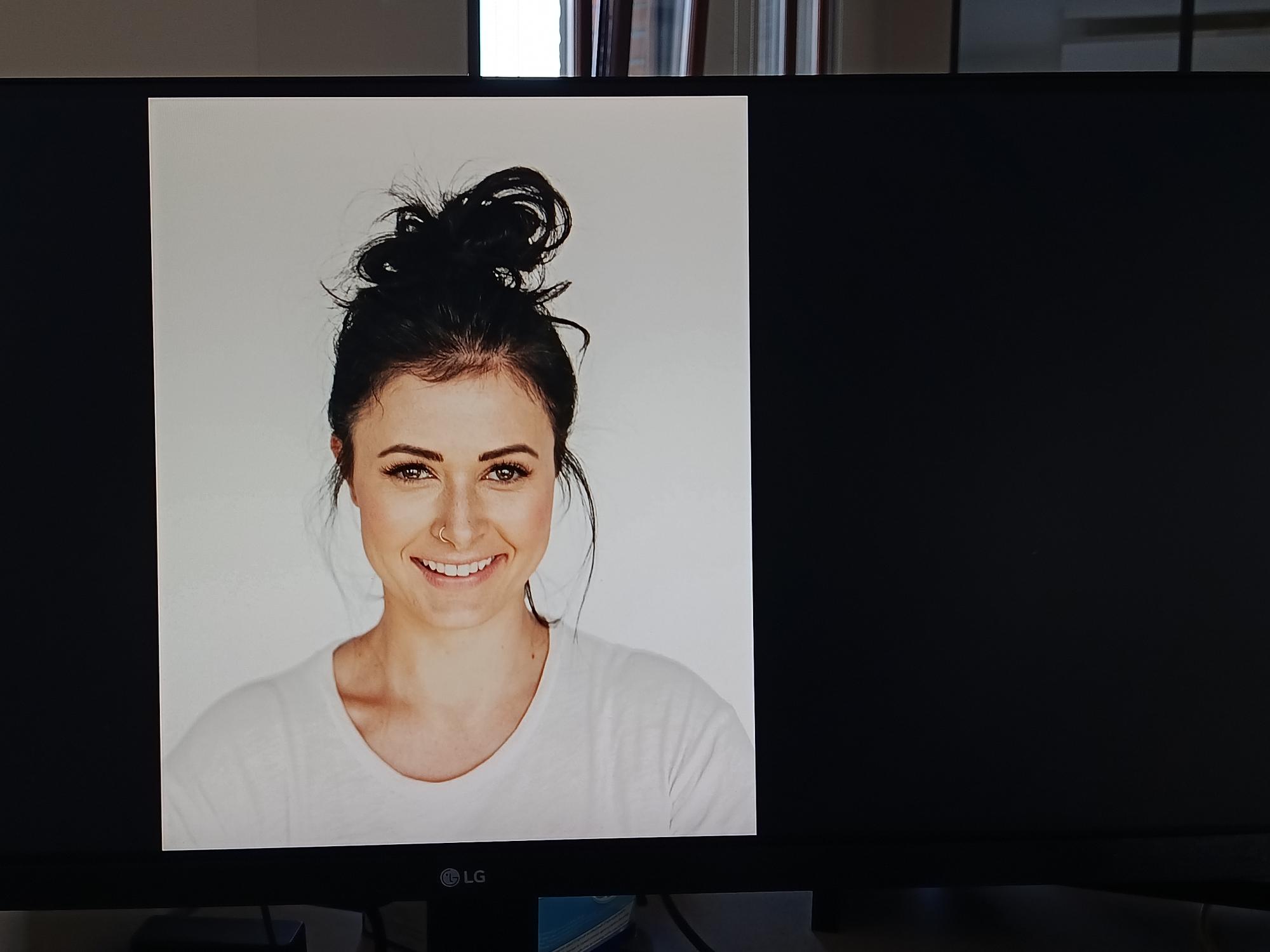
I can rotate images with command line display_rotate=3 in \boot\firmware\config.txt but i can’t rotate video.
I was hoping the new release would fix the problem.
Thanks for the info, @caimano. Given that the rotation works on images, does it still play videos (even if they aren’t rotated) and web pages?
Hi, i used this yours great suggest:
But:
-
No, when i insert a rotated video the display flickers and then i see the anthias home screen with the ip and logo, and then it loops.
Yes, If I don’t rotate the display (without display_hdmi_rotate=3) then the videos can be viewed correctly. -
Yes, when i insert a web page, this works fine in both views.
Maybe a codec or driver issue?
hi, have any update about the rotate issue? i have try to add display_rotate=3 or display_hdmi_rotate=3 in config-6.1.0-40-amd64.conf (im using Debian on mini pc)
im able to rotate video on CLI using grub but anthias keeps landscape orientation.